

SERVERS
SOLUTION OVERVIEW
Servers are powerful computers designed to manage, store, and process data, providing various services to other devices (clients) on a network. Here’s a high-level overview of the key components and concepts
- Types of Servers
- Web Server
- File Server
- Database Server
- Application Server
- Mail Server
- DNS Server
- Key Components
- Hardware
- Operating System
- Network Interface

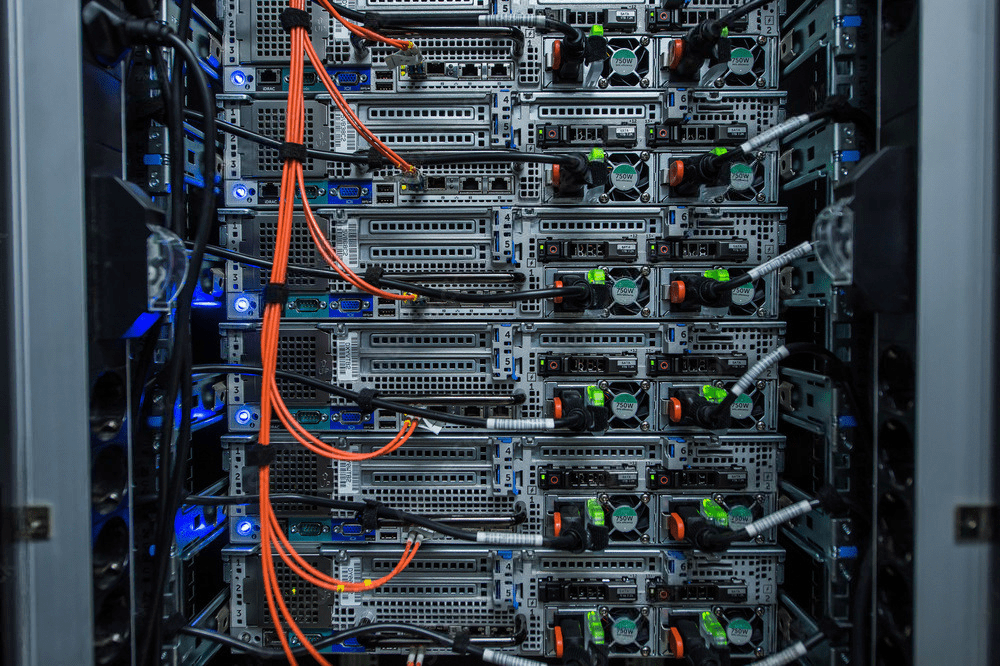
Functions and Services
- Data Storage and Management: Centralized storage for files, databases, and applications
- Resource Sharing: Allows multiple users to access shared resources like files, printers, and applications
- Security:Implements measures like firewalls, encryption, and access controls to protect data.
- Backup and Recovery:Regular backups and disaster recovery solutions to ensure data integrity and availability
BENEFITS
- Scalability : Easily add more resources to handle increased demand
- Reliability : Designed to operate continuously with minimal downtime
- Efficiency : Centralized management of resources and services improves efficiency
- Security : Enhanced security features protect sensitive data and ensure compliance with regulations.
What are the types of servers?
There are various types of servers that is available.
Application server – This server mainly is a framework, an environment where applications can run, no matter what they are or what functions they perform. An application server can be used to develop and run web-based applications. Examples of application servers, including Java, PHP, and .NET Framework application servers.
Domain name server – Domain name server is different from Domain name system (DNS), Domain name server is part of the whole architecture for DNS. This server is in charge of storing a database of different domain names, network names, Internet hosts, DNS records and other related data. The server will translate a domain name into its respective IP address, example when you type google.com, it will translate to IP address 8.8.4.4 which computer can understand. During a domain name resolution query, DNS records are searched, and if found, the domain name record is returned.
Dedicated server – A server that only allow one party to access it. The party can be from the whole company or a group of people. It is dedicated to the one client/party and is not shared with any other unknown clients. This type of server is very powerful and highly customizable to based on the client’s needs. Exabytes offers managed dedicated server support where dedicated support team will closely monitor your server performance to make sure it is up and running.
Database server – Database server is a computer system that provides clients to retrieve data stored centrally. It is usually done by executing a query using a query language specific to the database. For example, SQL is an example of a query language.
Mail server – Like the name of the server, it basic function is to store and sort e-mails. Mail server is our real life post office, the server will handle e-mails going out and coming in. Client that sends out an e-mail will go to mail server, and it will direct to intended recipient.
Proxy server – It is a computer server or software program that is part of the gateway server or another computer that separates a local network from outside networks. A proxy server will cache all pages accessed through the network allowing users who may want to visit that same page to load it faster and reduce the networks bandwidth.
Web server – Computer or collection of computers used to deliver web pages and other content to multiple users. A web server receives your request to access a web page. It runs a few security checks on your HTTP request and takes you to the web page. Depending on the page you have requested, the page may ask the server to run a few extra modules while generating the document to serve you. It then shows you the web page that you wanted to view. A few renowned web servers are Apache, Nginx, Microsoft web server IIS.